Do terminal ao cockpit: montando um Mac novo para agentes de IA com Orca, Superset e Maestri
Montei um Mac do zero com meu setup reproduzível e passei as últimas semanas testando a camada que faltava: apps que orquestram agentes. Superset como hub, Maestri como canvas multi-agente e Orca com acesso pelo celular via Tailscale. E o que mudou no Agent Toolkit desde o último post.
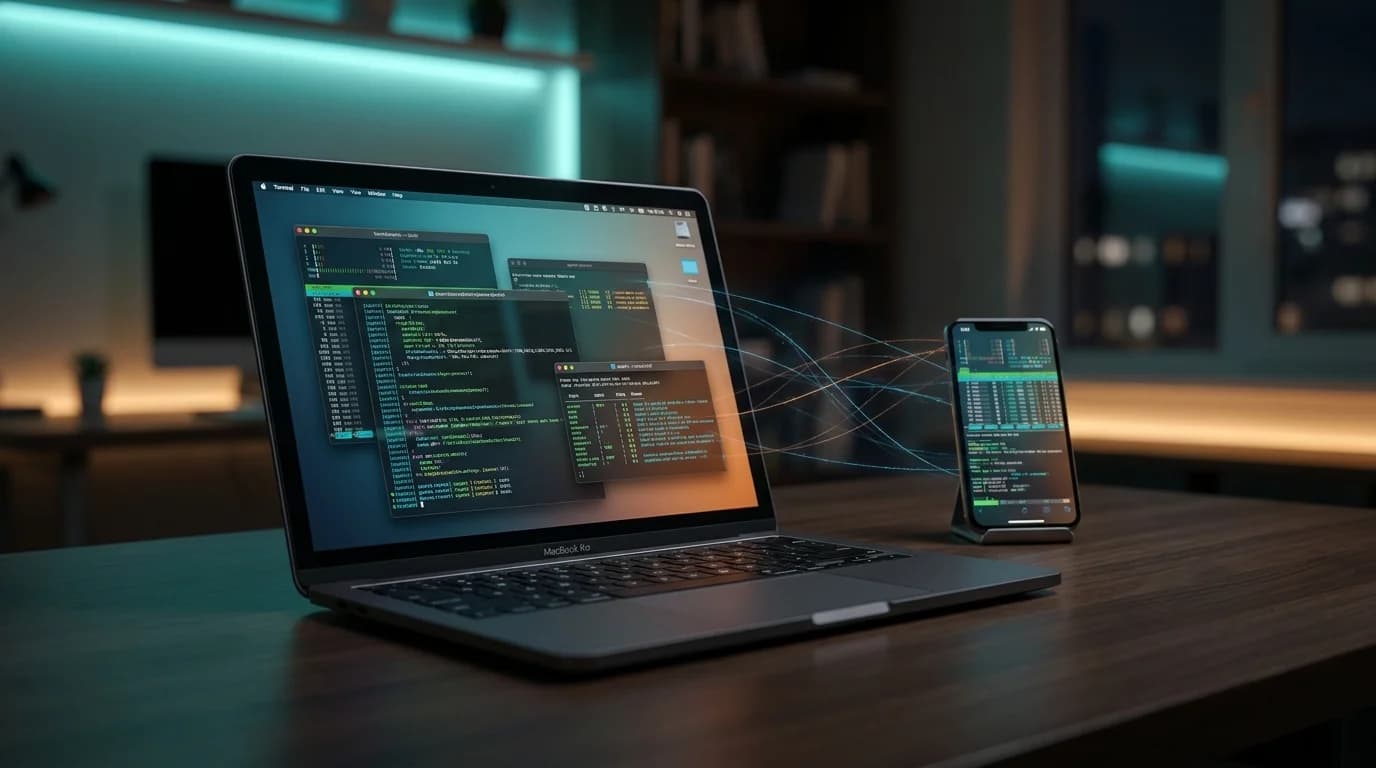
No post de junho, eu escrevi que o terminal tinha virado um runtime para agentes de IA — e que o Agent Toolkit era minha forma de deixar esse runtime reproduzível.
Semanas depois, a tese passou pelo teste mais honesto que existe: um Mac novo, zerado, na minha mesa.
Este post é sobre o que aconteceu depois do git clone. Sobre a camada que eu ainda não tinha escrito: quando o runtime está pronto, quem orquestra os agentes?
O teste do Mac novo
Todo setup reproduzível vive uma mentira confortável até a máquina nova chegar.
O meu está em um repositório público, o mac-setup: Brewfile, dotfiles, defaults do macOS, CLIs de IA, plugins, skills e scripts de clonagem de repositórios por organização. A promessa era simples — clonar, rodar setup.sh e chegar no mesmo ambiente.
E, com alguns ajustes que voltaram para o repositório no mesmo dia, funcionou. Em uma tarde o Mac novo tinha:
- toolchain completa (Node via fnm, pnpm, Go, Python, Docker)
- os quatro runtimes de agente que uso (Claude Code, Codex, OpenCode, Gemini)
- skills e plugins instalados pelo Agent Toolkit
- todos os repositórios pessoais e das empresas clonados e rodando
A parte interessante não foi o que funcionou. Foi perceber o que ainda não tinha lugar no setup: os apps que ficam por cima dos agentes.
A camada que faltava: orquestração
Ter quatro CLIs de agente instalados é como ter quatro instrumentos afinados e nenhuma partitura.
No dia a dia, os problemas reais são outros:
- alternar entre agentes sem perder contexto de qual faz o quê
- rodar mais de um agente em paralelo sem virar malabarismo de janelas
- acompanhar (e aprovar) o que um agente está fazendo quando eu não estou na frente do Mac
Nas últimas semanas testei três apps que atacam exatamente essa camada. Nenhum deles substitui o terminal — todos assumem que o terminal é o runtime e se posicionam como cockpit.
| App | O que resolve |
|---|---|
| Superset | Hub que agrupa os CLIs de agente em um lugar só, com presets configuráveis |
| Maestri | Canvas multi-agente: terminais conectados, papéis e mensagens entre agentes |
| Orca | Orquestrador com daemon local e acesso remoto — inclusive do celular |
Vale dizer: estou testando, não decretando. Esse mercado está mudando rápido demais para veredito definitivo. Mas cada um deles já me mostrou algo que eu não quero perder.
Superset: um teto para todos os agentes
O Superset é a ideia mais simples das três: em vez de espalhar Claude Code, Codex, Gemini e OpenCode em abas de terminal, todos moram num app só.
O recurso que me ganhou foram os presets: qualquer CLI vira um agente do hub. Quando o Grok CLI saiu, adicionar foi preencher um formulário com nome e comando — sem esperar suporte oficial.
É o tipo de ferramenta que não muda como os agentes trabalham, mas muda quanto atrito existe entre mim e eles. Para quem alterna entre runtimes o dia inteiro (eu), isso paga o custo rápido.
Maestri: agentes como time, não como abas
O Maestri parte de outra pergunta: e se os agentes pudessem conversar entre si?
Ele é um canvas onde cada terminal é um nó. Você recruta agentes, dá papéis a eles e os conecta. Os agentes trocam mensagens por um CLI próprio (maestri ask "Nome" "tarefa"), e você observa a coordenação acontecer no canvas.
Meu experimento em andamento: um time com Codex como orquestrador e Grok como executor. O orquestrador tem um prompt de papel que o proíbe de implementar — ele decompõe, delega uma tarefa por vez com critério de pronto, revisa criticamente o que volta e só aceita o que verificou. O executor faz o oposto: implementa exatamente o que foi pedido, pergunta quando trava e reporta com ressalvas.
Se você leu o post de junho, vai reconhecer o padrão: é a mesma disciplina de workflow que tento codificar nas skills, agora aplicada à comunicação entre agentes. Cedo demais para dizer se rende mais do que um agente único bem instruído — mas é o experimento mais divertido do setup atual.
Orca: o celular como controle remoto
O Orca foi a surpresa das três.
Ele roda um daemon no Mac que gerencia sessões de agente, e o app expõe isso para outros dispositivos com pareamento ponta a ponta. Traduzindo: eu acompanho e aprovo o que os agentes estão fazendo pelo celular.
A mágica de conectar de qualquer lugar não é do Orca — é do Tailscale, que já era a espinha dorsal do meu homelab. O Orca escuta em uma porta local; com o Mac e o celular na mesma tailnet, o app mobile aponta para o IP do Mac (ou o nome via MagicDNS) e pronto. Sem expor porta na internet, sem túnel público, sem configuração heroica.
O fluxo que isso destrava é real: deixo um agente executando uma tarefa longa, saio da mesa, e quando ele precisa de uma aprovação eu resolvo do sofá. O agente não fica bloqueado esperando eu voltar.
É também o lembrete de que infraestrutura pessoal compõe: o post do homelab (março), o do toolkit (junho) e este formam a mesma história contada em camadas.
O que mudou no Agent Toolkit desde junho
O post anterior apresentou o toolkit. Desde então ele acumulou uma sequência de releases, e três mudanças merecem registro.
1. Segurança ficou mais paranoica (no bom sentido). Overrides de ambiente que trocam a identidade de uma fonte — outro pacote npm, outro repositório GitHub — agora exigem uma flag explícita, fechando um vetor de redirecionamento silencioso. Fontes GitHub são verificadas contra o commit SHA pinado depois do clone. E o suporte a Windows foi corrigido de verdade (spawn de shims npm no Node 18+ é menos óbvio do que parece).
2. Nasceu o pacote planning-skills. O toolkit agora instala as skills de entrevista do Matt Pocock — grill-me, grilling, grill-with-docs e domain-modeling — pinadas por commit, em todos os runtimes. A ideia delas é atacar o maior modo de falha do desenvolvimento com IA: o agente construir a coisa errada por desalinhamento. Antes de implementar, o agente te entrevista, uma pergunta por vez, cada uma com resposta recomendada, até fechar entendimento. A variante com docs ainda registra glossário e ADRs no repositório enquanto as decisões acontecem.
3. Nasceu a skill onboard-repo. Essa fecha um ciclo. É uma skill que ensina o agente a preparar um repositório para desenvolvimento com IA: detectar a stack, instalar só as skills que fazem sentido para aquele projeto (usando o próprio toolkit), e organizar os arquivos de instrução — AGENTS.md canônico, CLAUDE.md apontando para ele, config de MCP quando fizer sentido. No primeiro teste em um repositório real, ela encontrou um erro na própria documentação que a gerou — que virou release de correção no mesmo dia. Ferramenta que se testa é ferramenta que melhora.
A lista completa está no CHANGELOG.
O que ainda não sei
Sendo honesto sobre o estado das coisas:
- Não sei quais desses três apps sobrevivem no meu fluxo daqui a três meses. Superset tem o caso de uso mais óbvio; Orca tem o recurso mais diferenciado; Maestri tem a ideia mais ambiciosa. São apostas diferentes sobre como esse trabalho vai evoluir.
- Orquestração multi-agente ainda precisa se provar. Coordenar agentes tem custo (tokens, latência, atenção minha). O time Codex+Grok é experimento, não recomendação.
- A fronteira app vs. terminal ainda está sendo desenhada. Hoje os apps agregam valor em visibilidade e acesso remoto. O trabalho de verdade continua acontecendo no runtime — e está tudo bem que seja assim.
O que eu sei: o custo de experimentar despencou. Com o ambiente reproduzível, testar um app desses é instalar, apontar para os runtimes que já existem e usar. Se não vingar, remove — o setup continua íntegro no repositório.
Conclusão
O post de junho terminava dizendo que o próximo salto de produtividade com IA viria de ambientes melhores, não só de modelos melhores.
Montar um Mac do zero foi a prova prática: o ambiente se reconstruiu em uma tarde. Mas o aprendizado novo é que "ambiente" não para no terminal. A camada de orquestração — quem agrupa, quem coordena, quem te deixa aprovar uma ação do sofá — está virando parte do setup também.
Meu fluxo hoje tem três alturas: o terminal como runtime, os apps como cockpit e o celular como controle remoto. Cada camada reproduzível, cada uma versionada onde dá.
E, como sempre, nada disso está finalizado. É o meu setup de julho de 2026 — documentado publicamente justamente para poder mudar sem medo.
Se você está testando Orca, Superset, Maestri ou qualquer outra camada de orquestração para agentes, me conta o que está funcionando aí. Esse tipo de setup evolui muito mais rápido comparando notas de uso real.